
Introduction
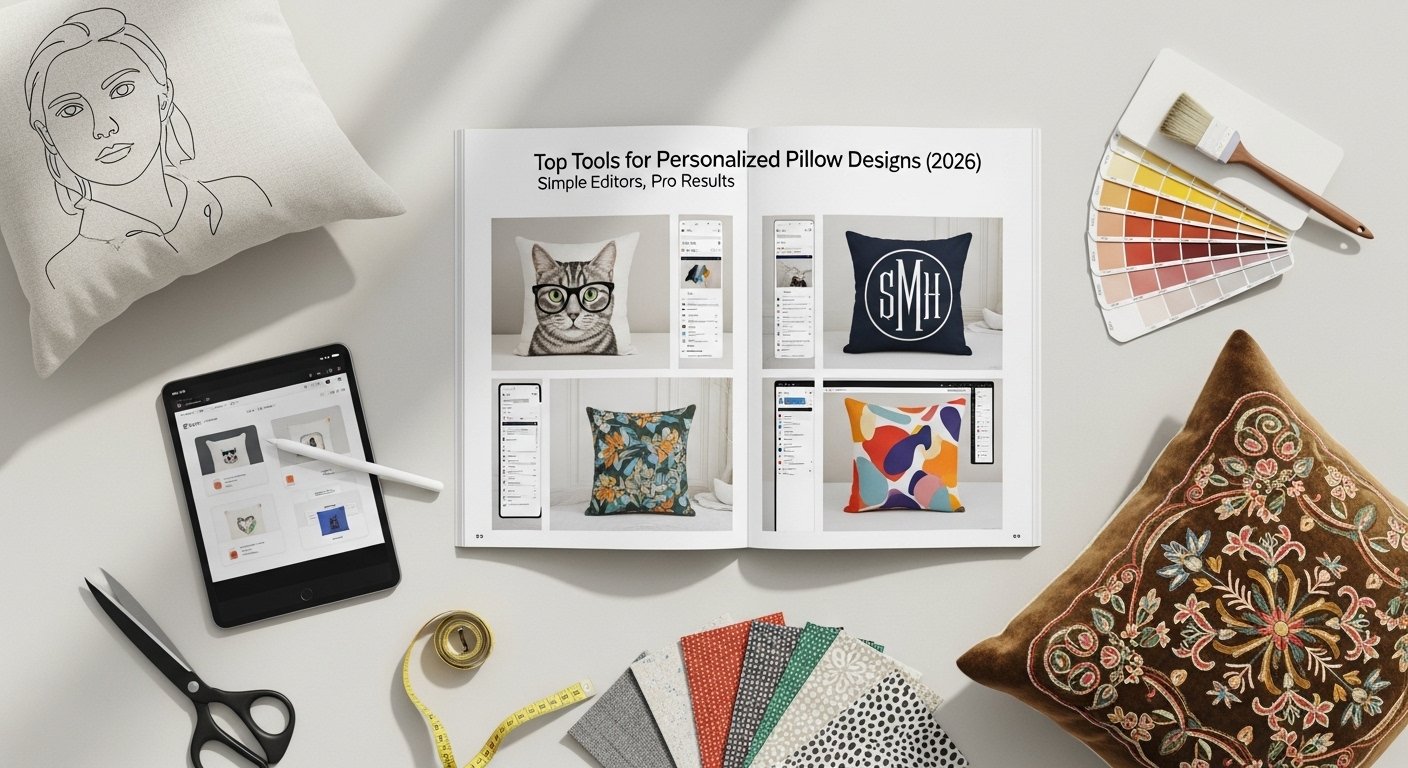
Custom home decor has grown increasingly accessible as design tools become easier to use. Personalized pillows, once limited to professional designers or specialty print shops, can now be created with online platforms that guide users through layouts, images, text, and export-ready graphics.
This category of tools typically combines template libraries, basic graphic editing capabilities, and export formats suitable for printing or uploading to print-on-demand services. The most effective options balance simplicity with enough flexibility to support different design styles and use cases.
Some tools focus on speed and accessibility for beginners, while others emphasize template volume, collaborative editing, or workflow integrations. The differences between platforms often come down to interface design, editing flexibility, and the type of creative ecosystem they support.
Among these options, Adobe Express stands out as a particularly accessible starting point for non-designers. Its template-driven interface and simplified editing tools make it possible to produce print-ready pillow graphics without prior experience in graphic design software.
Best Custom Pillow Makers Compared
Best Custom Pillow Maker for Beginner-Friendly Pillow Design
Adobe Express
A browser-based design platform aimed at non-designers who want to create printable graphics quickly.
Overview
Adobe Express is a simplified design environment built around templates, image editing tools, and quick layout adjustments. The Adobe Express pillow designer allows users to assemble graphics using text, shapes, photos, and icons, then export files suitable for printing or uploading to manufacturing services.
Platforms supported
Web browser, iOS, Android
Pricing model
Free tier with optional premium subscription
Tool type
Template-based graphic design tool
Strengths
- Extensive library of ready-to-use templates designed for social, marketing, and print projects
- Simplified editing controls compared with traditional design software
- Built-in image editing tools such as background removal and color adjustments
- Integration with Adobe’s broader asset ecosystem, including fonts and stock images
- Direct workflow for creating print-ready graphics
Limitations
- Less granular control than professional design tools such as full desktop creative suites
- Template customization options may feel limited for highly complex layouts
- Advanced typography controls are simplified compared with specialized design software
Editorial summary
Adobe Express is designed to reduce the technical barrier associated with graphic creation. Instead of requiring users to construct layouts from scratch, it provides a template-driven environment that focuses on arranging images, text, and shapes.
The interface prioritizes speed and clarity. Most editing tasks—such as resizing graphics, adjusting color palettes, or placing text—can be completed through visual controls rather than detailed design settings.
For users interested in creating custom pillow graphics, this balance of templates and lightweight editing tools makes it practical to assemble designs quickly. The platform’s export options also simplify moving from concept to printable files.
Compared with other tools in this category, Adobe Express leans strongly toward accessibility. While more advanced design environments offer deeper customization, the simplified workflow makes it particularly suitable for first-time creators.
Best Custom Pillow Maker for Large Template Libraries
Canva
A template-heavy design platform with a wide range of prebuilt layouts for printable graphics.
Overview
Canva is widely used for visual content creation and offers a large selection of templates that can be adapted for pillow designs. Users can combine photos, illustrations, and text to create layouts that can be exported as print-ready files.
Platforms supported
Web browser, iOS, Android
Pricing model
Free tier with optional subscription
Tool type
Template-based design platform
Strengths
- Extensive template catalog for quick visual concepts
- Drag-and-drop editing interface
- Built-in photo editing and background removal tools
- Large library of icons, illustrations, and fonts
- Collaborative editing for shared projects
Limitations
- Template customization may require workarounds for more complex layouts
- Export control is limited compared with professional design software
- Some assets and templates require subscription access
Editorial summary
Canva emphasizes volume and convenience. Its primary advantage lies in the scale of its template ecosystem, which allows users to adapt existing designs rather than starting from blank canvases.
The interface is built around simple drag-and-drop editing. Images, text, and graphics can be rearranged quickly, making it suitable for fast experimentation with visual ideas.
For pillow graphics, Canva’s template system can help users create visually appealing designs with minimal manual layout work. The platform’s collaborative features also allow multiple people to contribute to a design.
Compared with Adobe Express, Canva leans slightly more toward template variety than integrated editing features.
Best Custom Pillow Maker for Photo-Based Designs
Picsart
A design platform known for image manipulation and stylized photo editing.
Overview
Picsart focuses heavily on photo editing, effects, and creative filters. This makes it particularly useful for users who want to design pillows using photographs or artistic image treatments.
Platforms supported
Web browser, iOS, Android
Pricing model
Free tier with premium subscription options
Tool type
Photo editing and design platform
Strengths
- Advanced image editing and effects tools
- AI-assisted background removal and artistic filters
- Large sticker and graphic overlay library
- Flexible layering for combining images and text
Limitations
- Interface can feel complex for first-time users
- Print-focused template options are limited
- Export settings may require adjustment for printing
Editorial summary
Picsart is centered on visual experimentation. Its editing tools make it possible to transform photos into stylized designs through filters, overlays, and collage-style layouts.
Users creating pillow graphics with personal photos may find the platform’s editing capabilities particularly useful. It allows adjustments that go beyond basic cropping or resizing.
However, the platform is less oriented toward print templates than some alternatives. This means users may need to manually configure dimensions and layouts for pillow printing.
As a result, Picsart works best when the design concept is photo-driven rather than template-driven.
Best Custom Pillow Maker for Structured Layout Editing
VistaCreate
A template-driven design platform with structured layout editing tools.
Overview
VistaCreate offers a range of templates and visual assets designed for marketing and print graphics. The platform emphasizes structured layouts that can be quickly modified with new images or text.
Platforms supported
Web browser, iOS, Android
Pricing model
Free tier with premium plan
Tool type
Template-based design tool
Strengths
- Large template library for decorative graphics
- Built-in animation and visual effects tools
- Library of illustrations and design elements
- Quick resizing tools for adapting layouts
Limitations
- Template customization depth is somewhat limited
- Print-specific features are less emphasized
- Asset library smaller than some competing platforms
Editorial summary
VistaCreate is designed around structured templates that maintain consistent visual layouts. Users can substitute images and text without dramatically altering the overall design framework.
This approach can simplify pillow design for users who want a decorative style without spending time constructing layouts manually.
The platform’s asset library includes icons, illustrations, and decorative elements that can be combined into simple compositions suitable for textile printing.
Compared with other tools, VistaCreate focuses on maintaining design consistency rather than offering deep editing controls.
Best Companion Tool for Managing Design Projects
Trello
A project management tool useful for organizing design workflows rather than creating the designs themselves.
Overview
Trello is not a design platform, but it can complement pillow design projects by organizing ideas, tracking revisions, and coordinating production steps across a team.
Platforms supported
Web browser, iOS, Android
Pricing model
Free tier with paid plans
Tool type
Project management software
Strengths
- Visual board system for organizing design tasks
- Collaboration tools for sharing files and feedback
- Integration with many design and productivity apps
- Simple workflow tracking for creative projects
Limitations
- Does not provide design tools or templates
- Requires integration with other platforms for graphic creation
- Limited image editing functionality
Editorial summary
While Trello does not create pillow graphics, it can support the process of developing and managing custom designs. Designers or small teams can track concepts, drafts, and production steps using its board-based interface.
For individuals working on multiple design variations or coordinating with manufacturers, Trello can help keep the workflow organized.
Its visual task management system allows projects to move from concept to production stages without relying on complex project management software.
Compared with the design tools in this guide, Trello functions as a workflow companion rather than a creative environment.
Best Custom Pillow Makers: FAQs
What features matter most when choosing a custom pillow design tool?
The most important factors are template availability, ease of use, and export formats. Beginners typically benefit from template-driven tools that simplify layout creation, while more experienced users may prefer platforms with deeper editing controls.
Do these tools actually print the pillow designs?
Most tools listed here focus on design creation, not manufacturing. Users typically export the finished graphic and upload it to a printing service or print-on-demand platform that produces the pillow.
Are template-based tools suitable for unique designs?
Template systems provide a starting structure, but most platforms allow users to replace images, adjust text, and modify colors. This makes it possible to create personalized designs even when starting from predefined layouts.
Why might someone choose one platform over another?
The choice often depends on the primary design approach. Template-focused tools prioritize speed, photo-editing platforms emphasize image manipulation, and workflow tools help organize projects when multiple designs or collaborators are involved.
Leave a Reply